1
Make an album
Name it, pick a cover, choose who can see it.
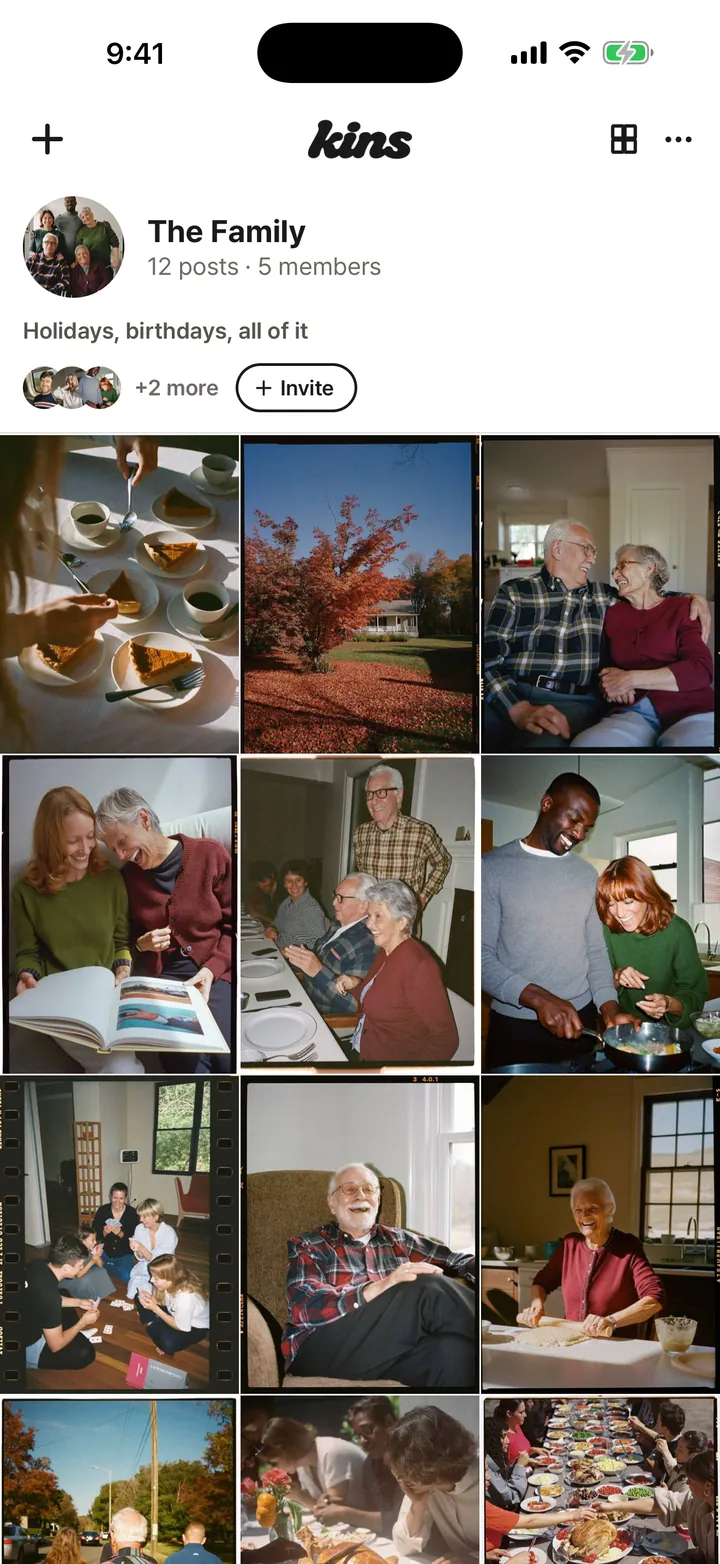
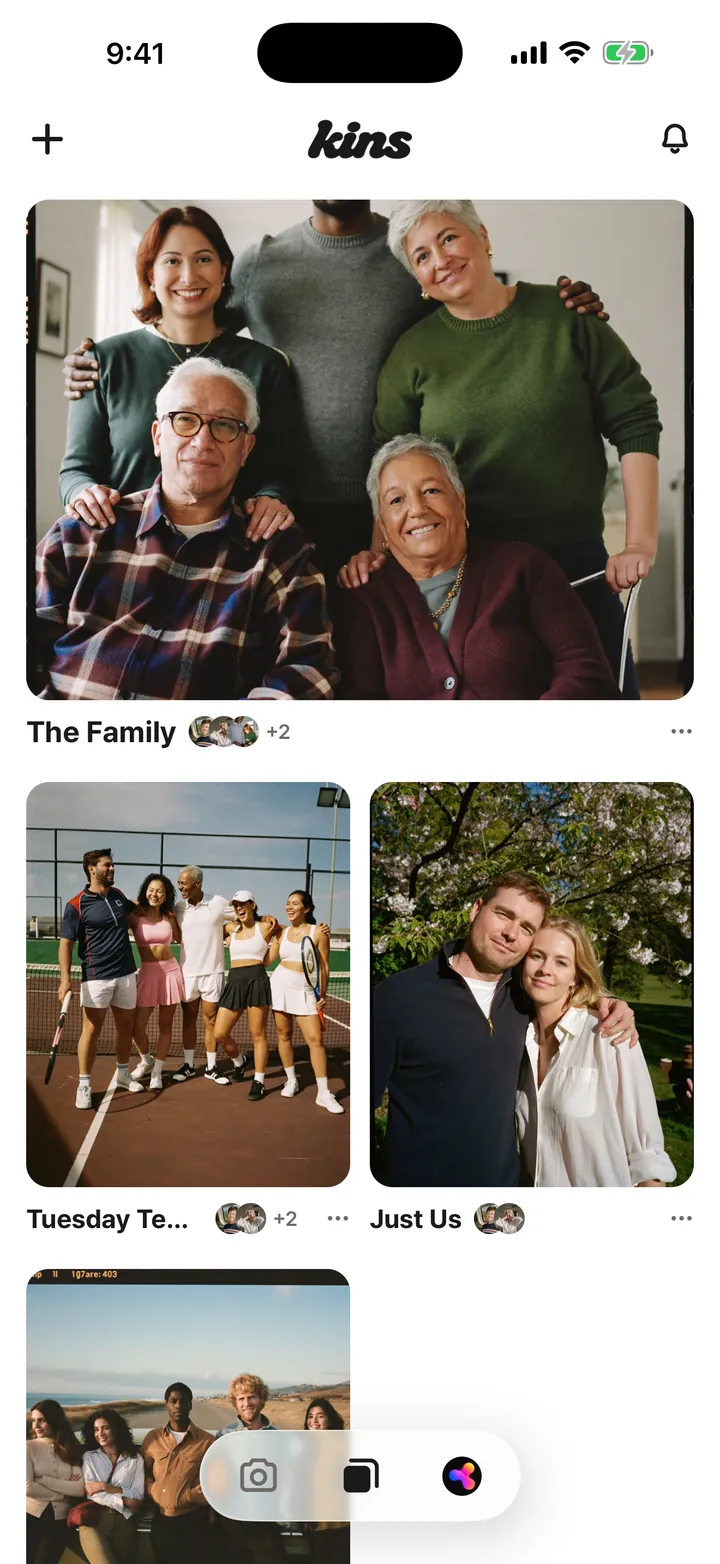
A social album. Everyone who was there adds what they shot, all in one place.
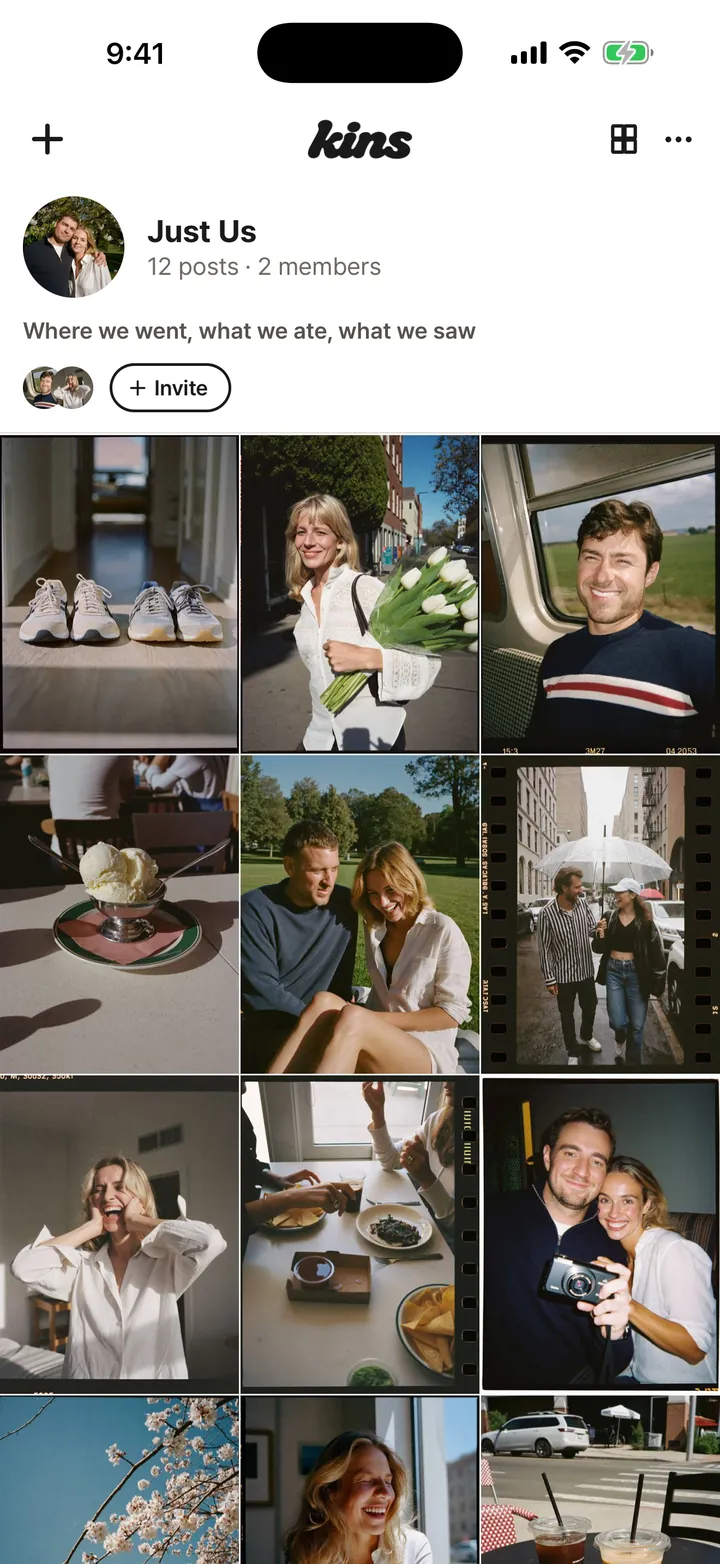
Those photos are sitting in five different camera rolls. Kins puts them all in one album.
Name it, pick a cover, choose who can see it.
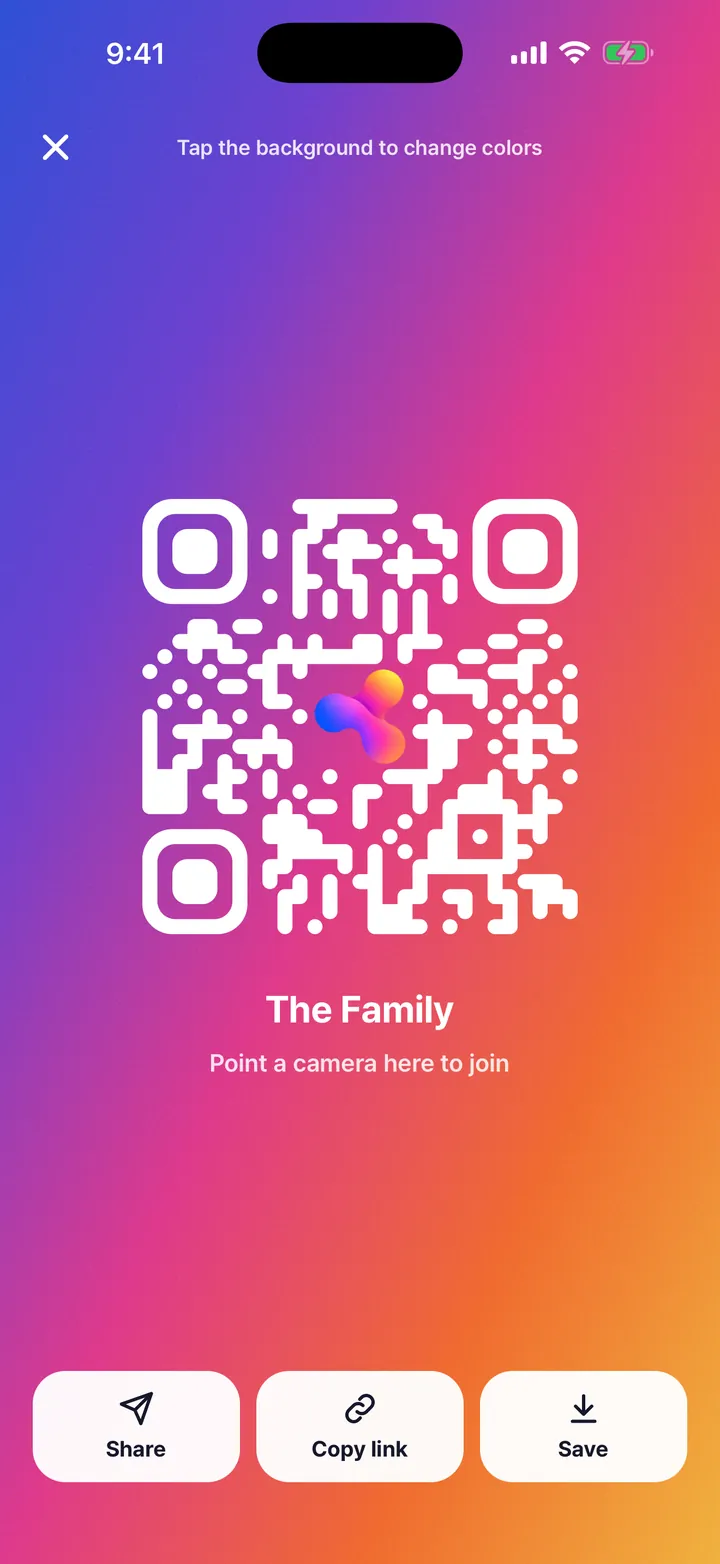
Drop the link in the group chat, or let friends next to you scan the QR. They join under their own names.
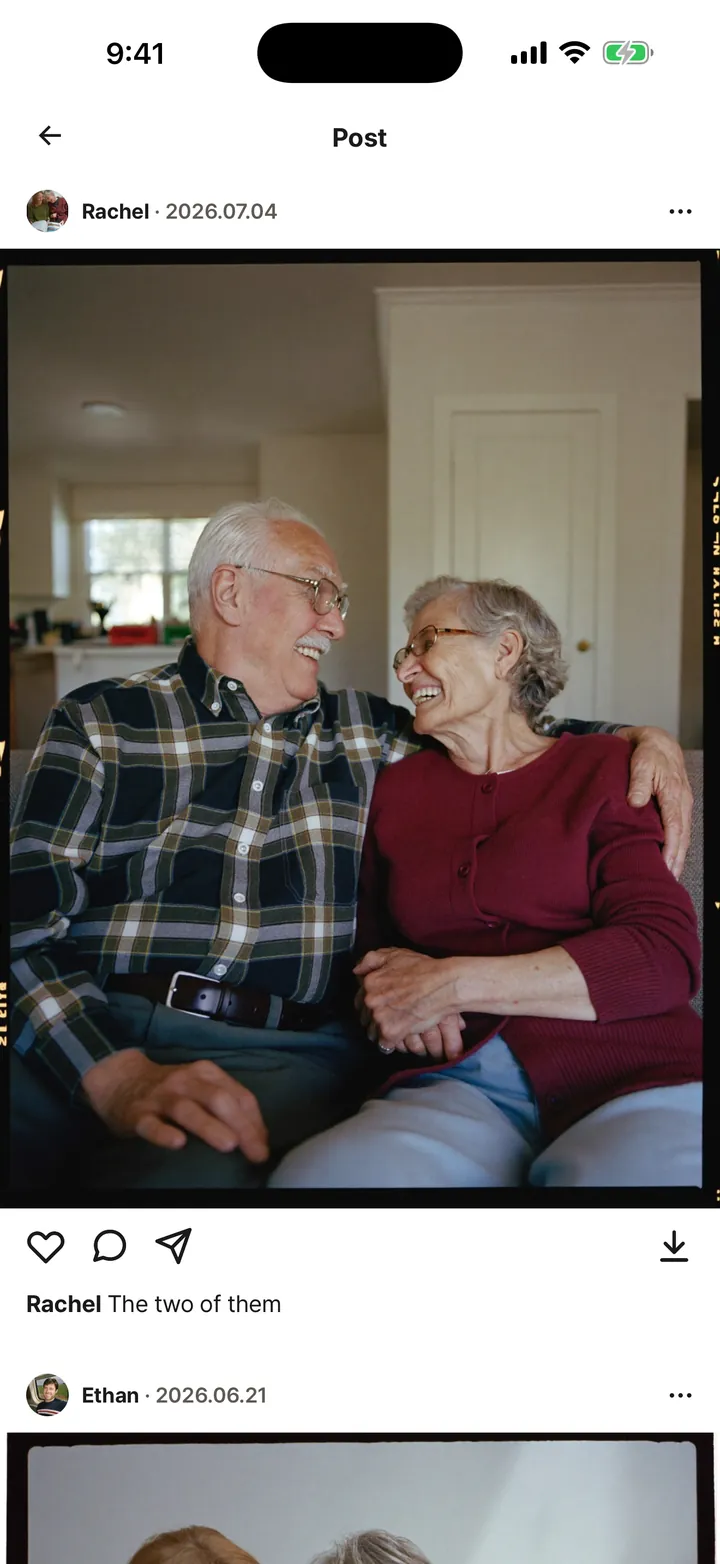
Every phone, one grid. The whole day in one place.
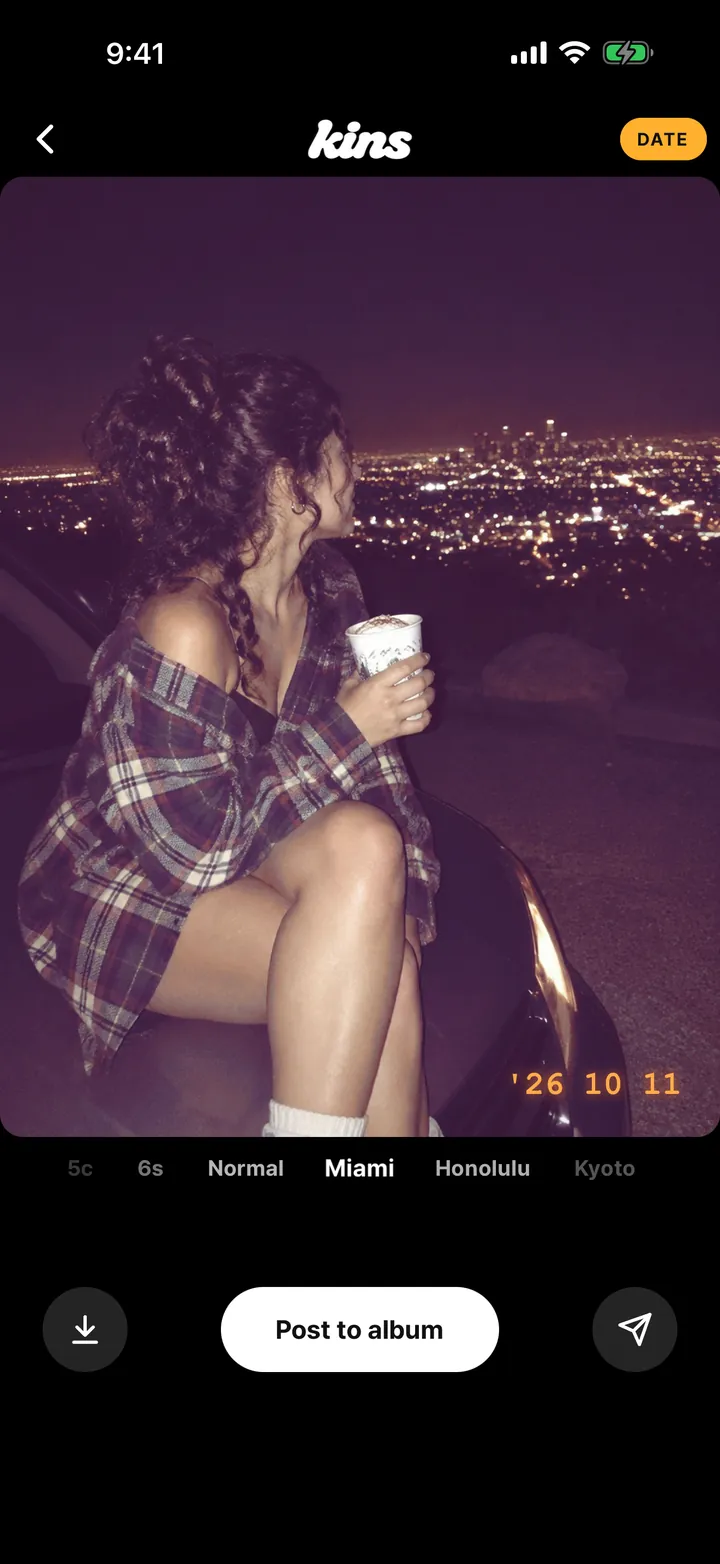
Swipe right from home and shoot. Then spin the name row under your photo through 24 looks. You never miss the moment, and you can change your mind any time.

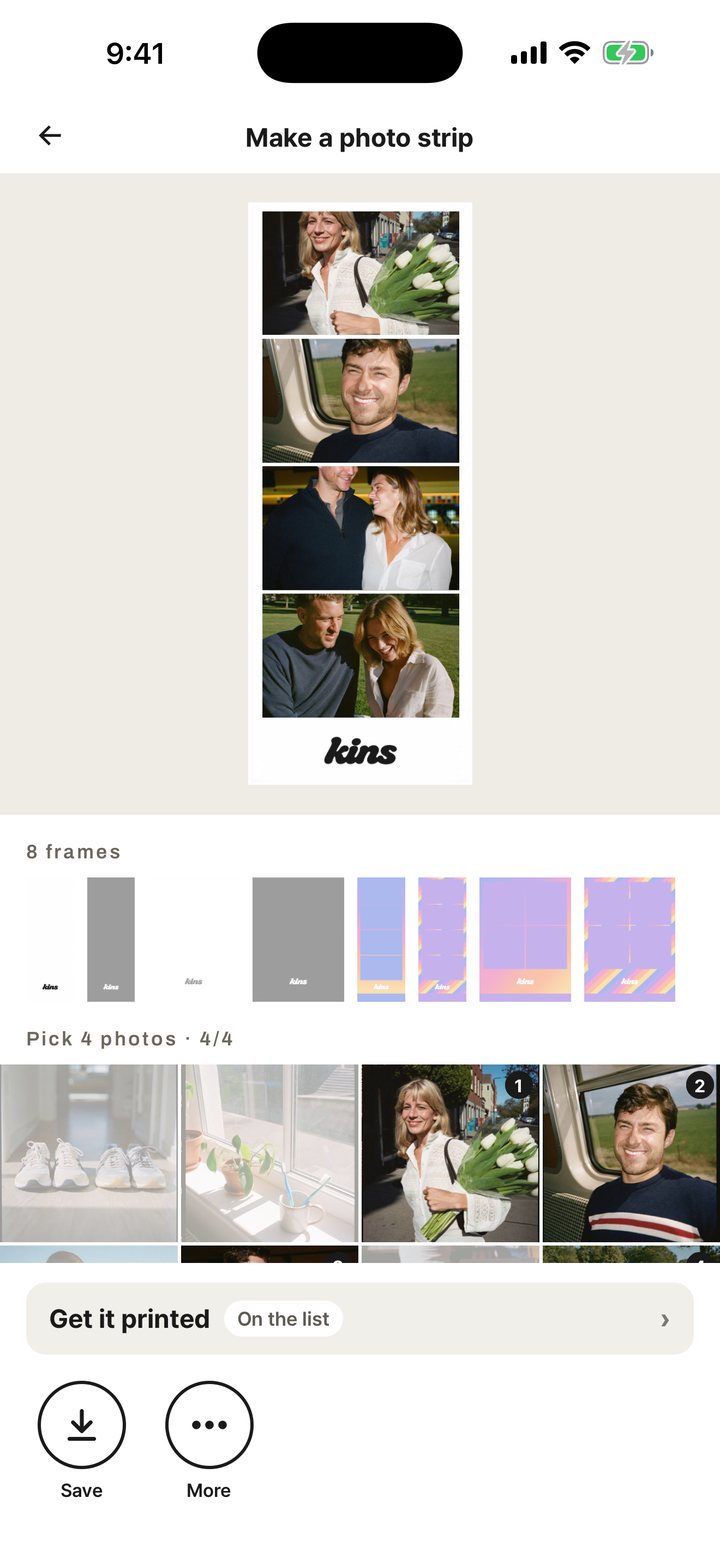
Pick four photos from the album and Kins turns them into a strip, sized for your story.
The default. Only people you invite can see it.
Invited people add photos. Anyone with the link can look.
Anyone can look, join and post. New photos are checked automatically, and the owner and admins can remove posts or lock the album.
The album’s owner and admins decide who can see it.
 Road trips
 The tennis club
 Concert nights
 Family holidays
 Just the two of you
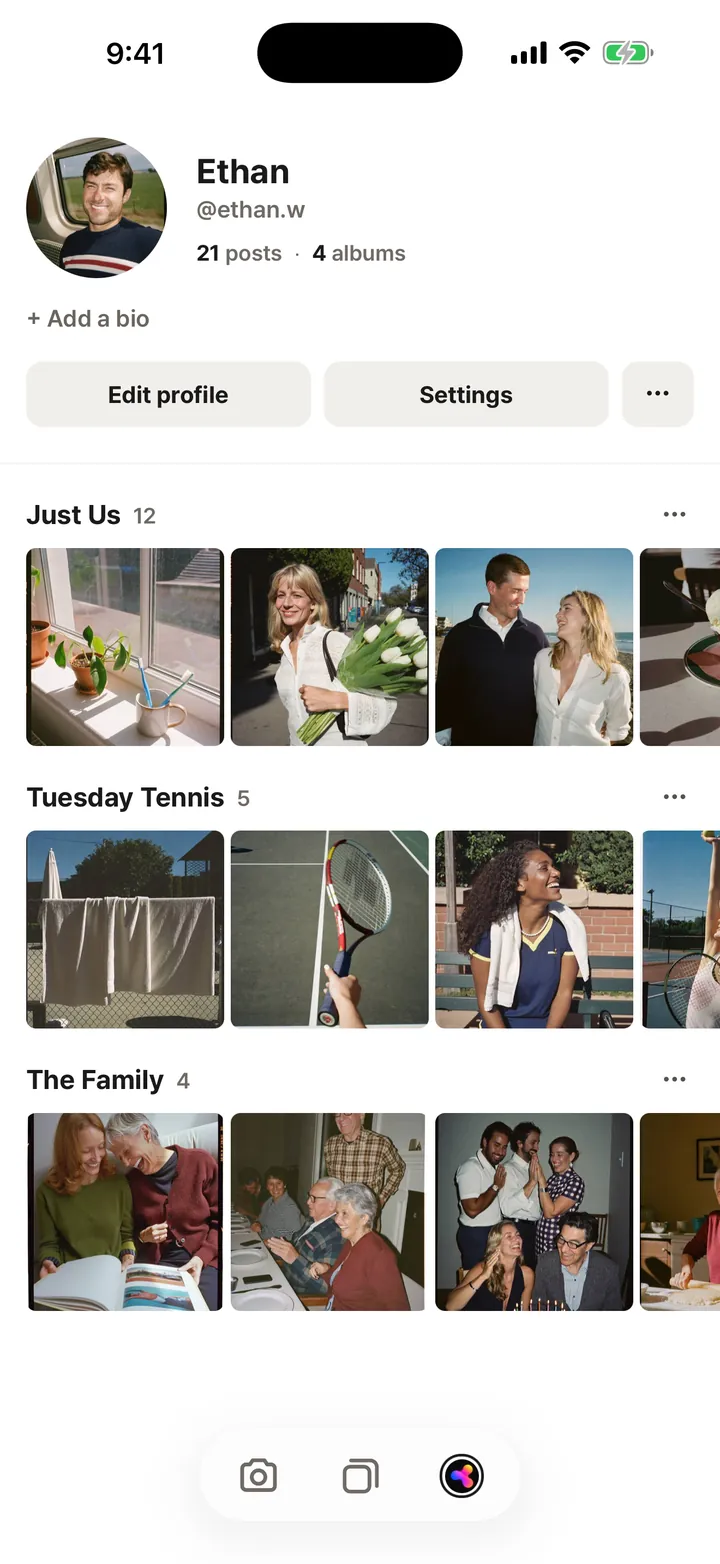
An album a group fills together, instead of one person’s profile. On Kins, everyone who was there adds their photos to the same album. Keep it private or open it to anyone.
Yes. Every core feature is free. Kins+ adds more upload space and extra features, and we’re getting ready to print your photo strips at a friendly price.
Yes. Each person installs Kins and signs in with Apple or Google. The invite link takes them straight into the album.
Yes. Kins is on the App Store for iPhone and on Google Play for Android.
“Invited only”: just the people you invite, and it never shows up in search. “View by link”: anyone with the link can look, and only invited people add photos. “Anyone”: open to everyone. Any member can change this in album settings, and everyone sees who changed it.
No limit per album. One post holds up to 20 photos, and videos can run up to 3 minutes.
Free to download.